Import, tag, publish. Byvano turns your social videos into a shoppable experience.
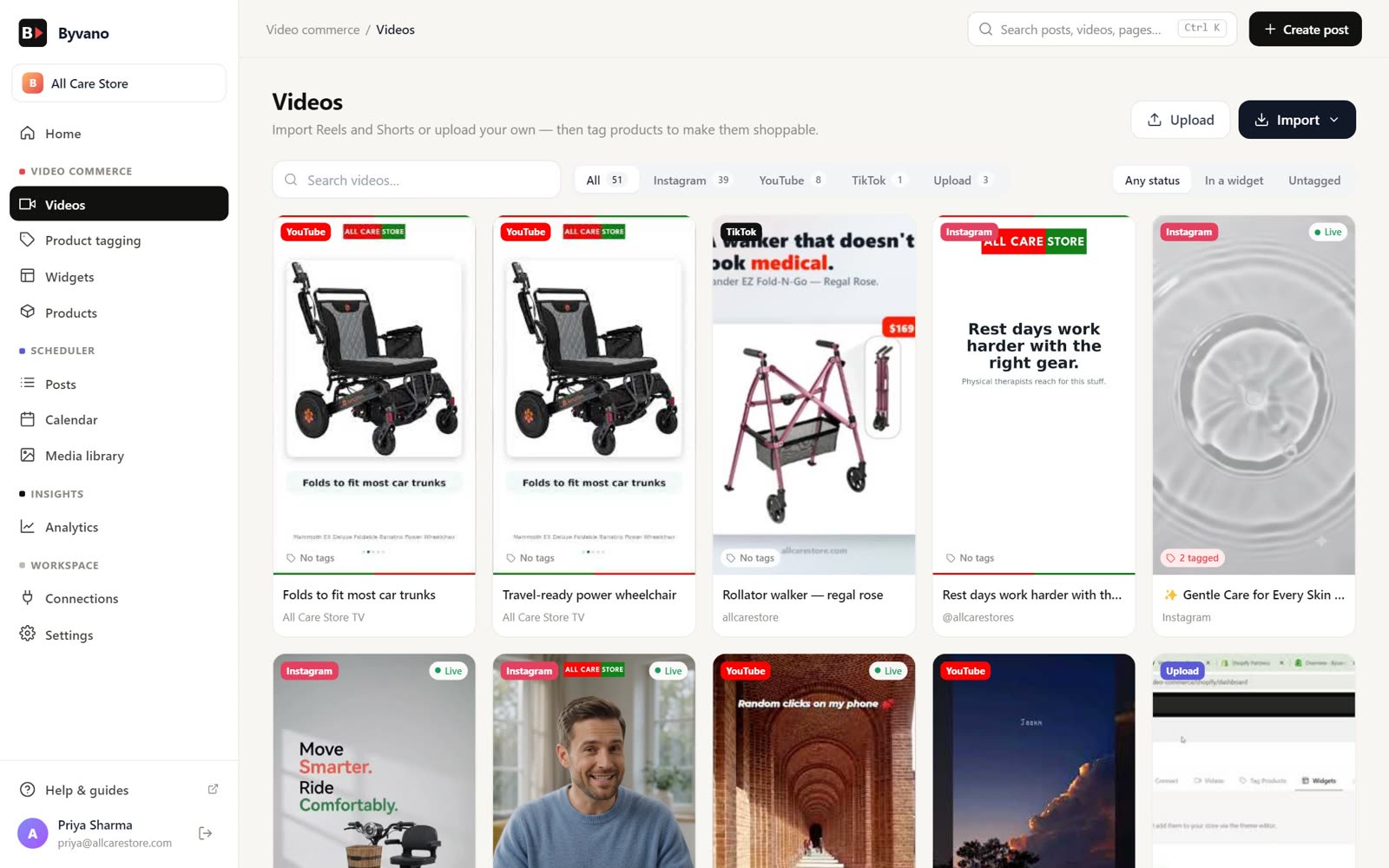
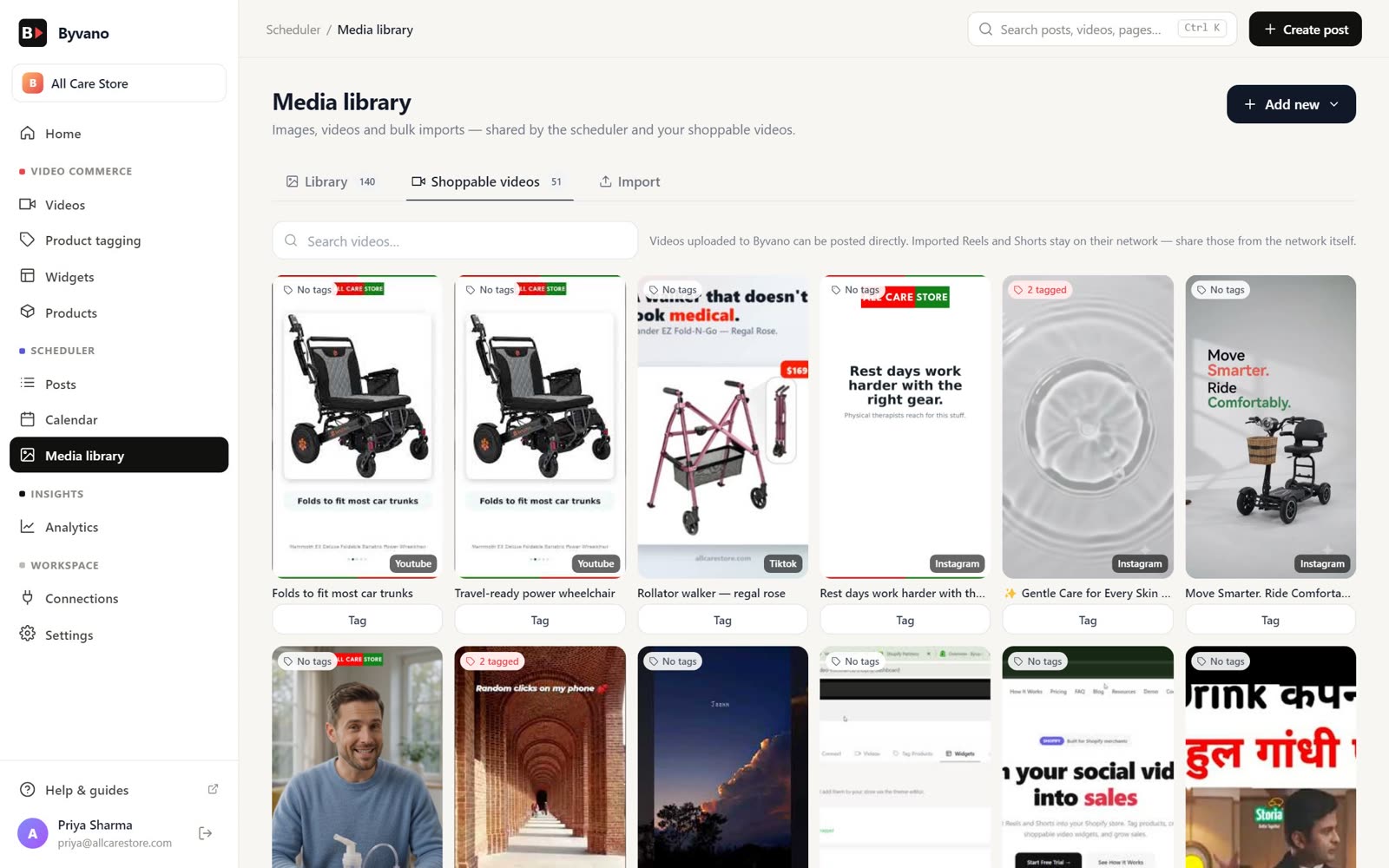
Connect Instagram and YouTube in the app. Import Reels and Shorts in one click; TikTok where available in your dashboard.
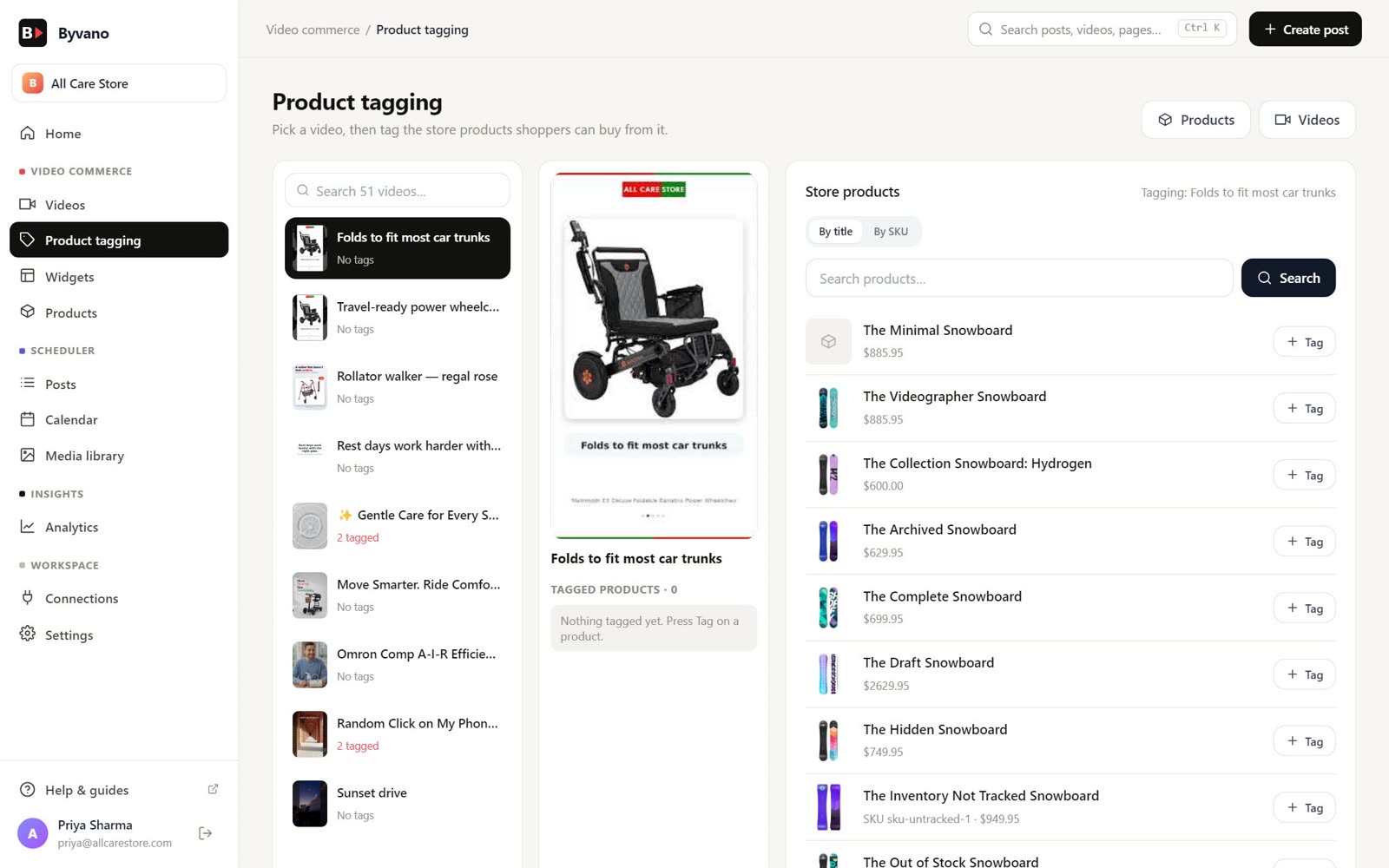
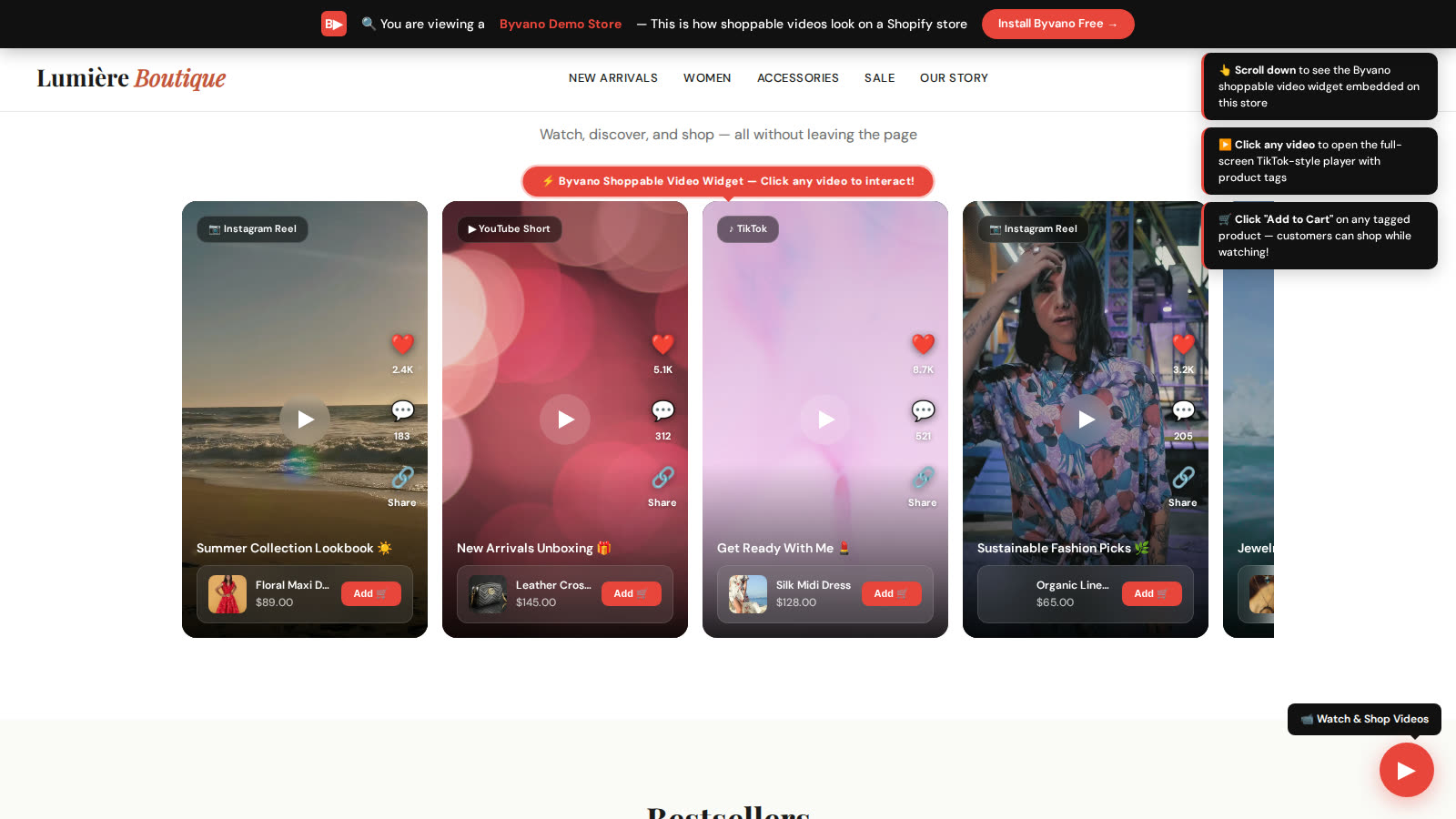
Tag Shopify products onto any moment in your videos. Customers see clickable product overlays with name, price, and Add to Cart.
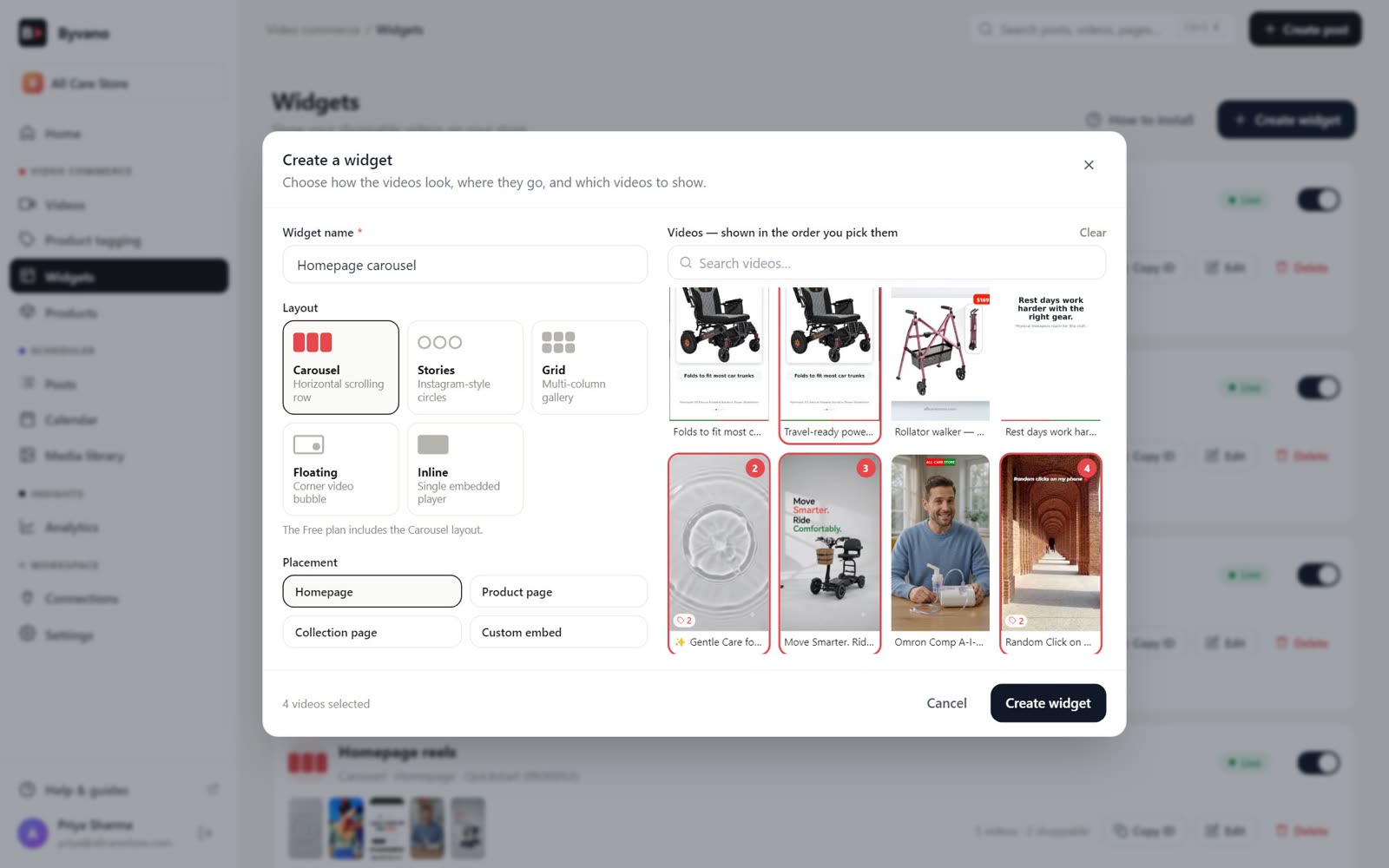
Choose from Carousel, Grid, Stories circles, or Floating bubble layouts. Match your brand with custom colors and sizing.
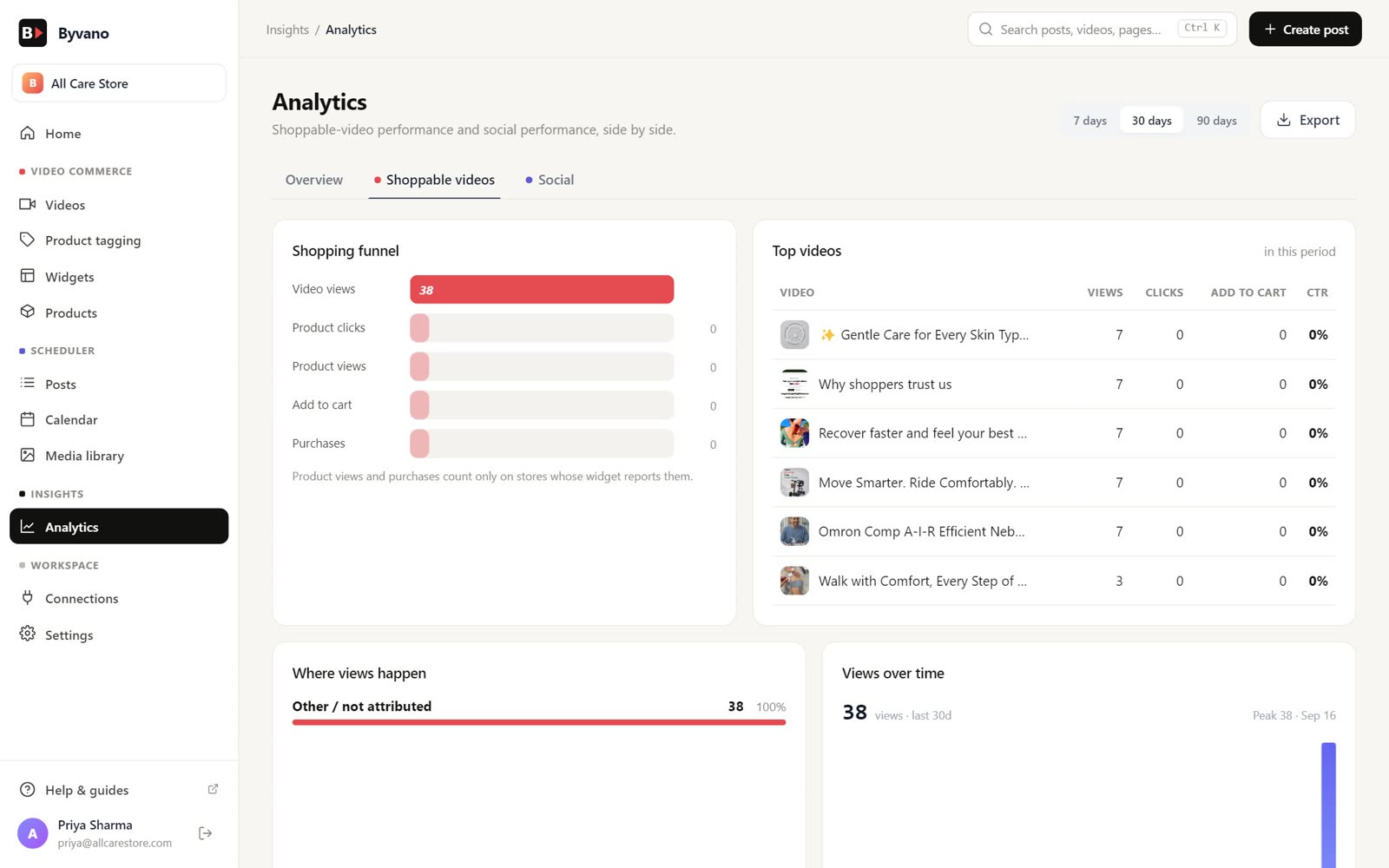
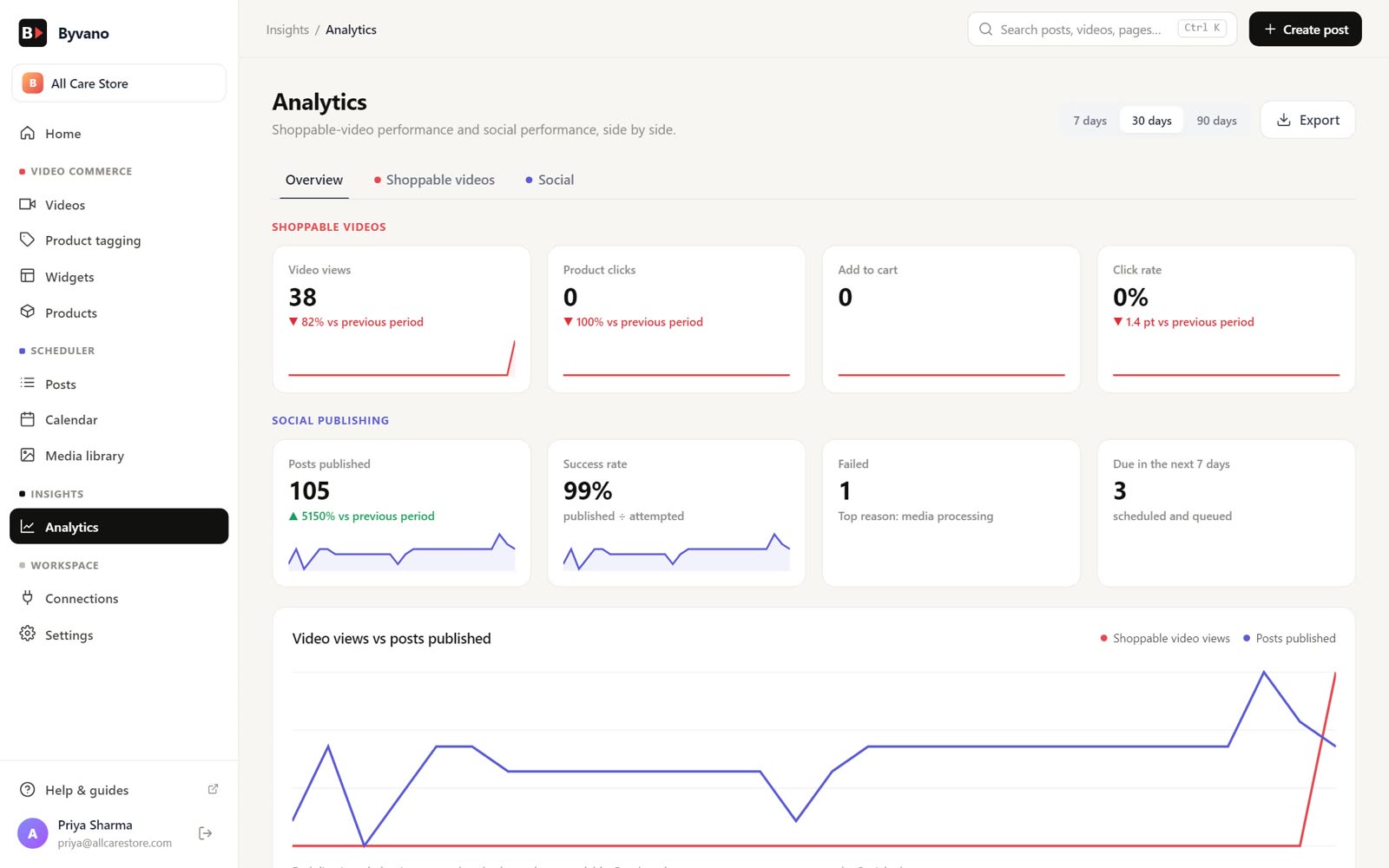
Track views, clicks, add-to-carts, and attributed revenue in real time. Understand which videos drive the most sales.
Native Shopify app with Online Store 2.0 support, plus a WooCommerce plugin. Theme editor integration, no code required.
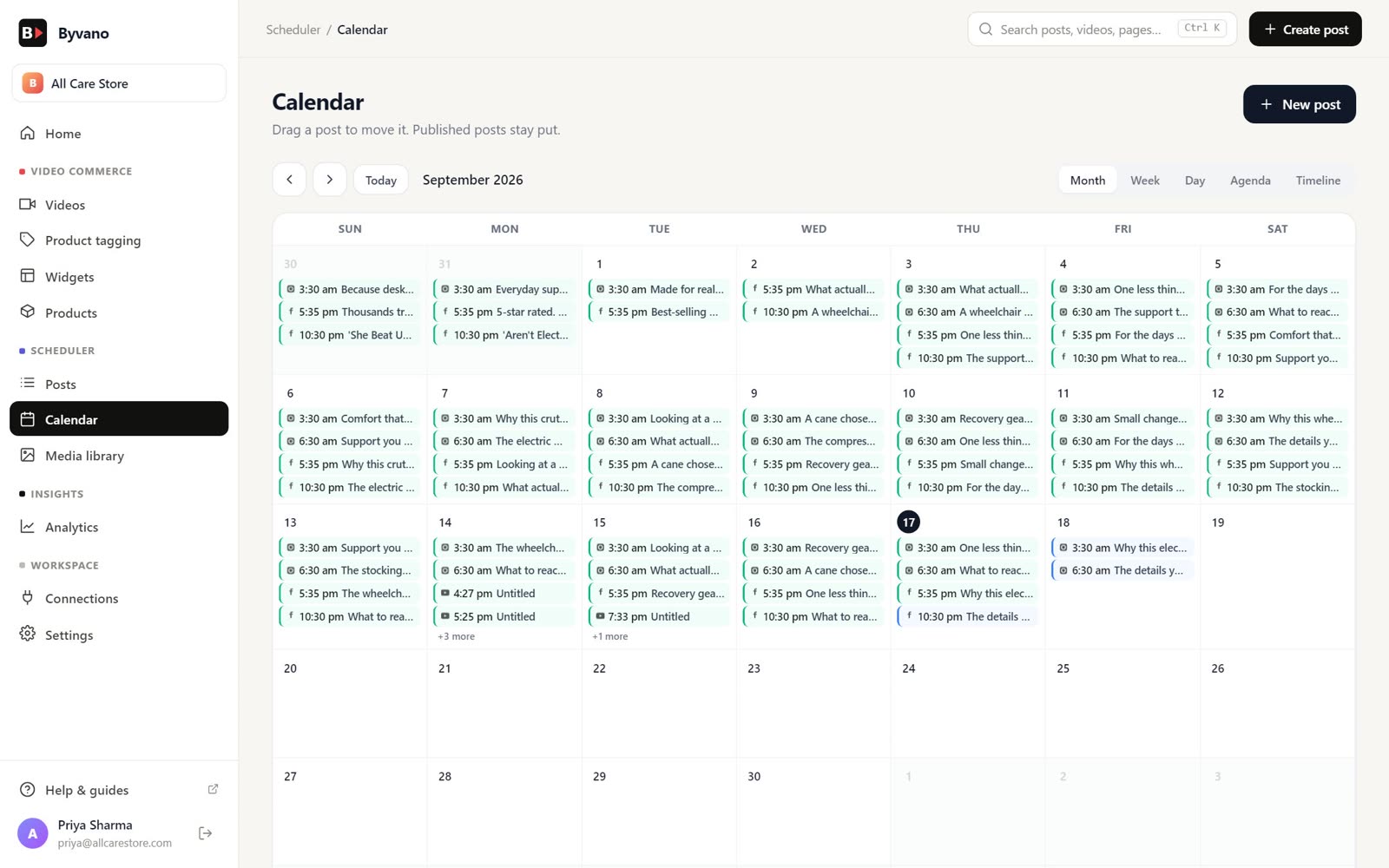
Schedule posts, Reels and Stories to your Facebook Page and Instagram professional account, then read reach and engagement per post.
Most brands do not have a video problem. They have a distribution problem — dozens of clips that performed on social, none of them reachable from the page where the purchase happens. Byvano starts by fixing that, and the import step is deliberately the least interesting part of the product.
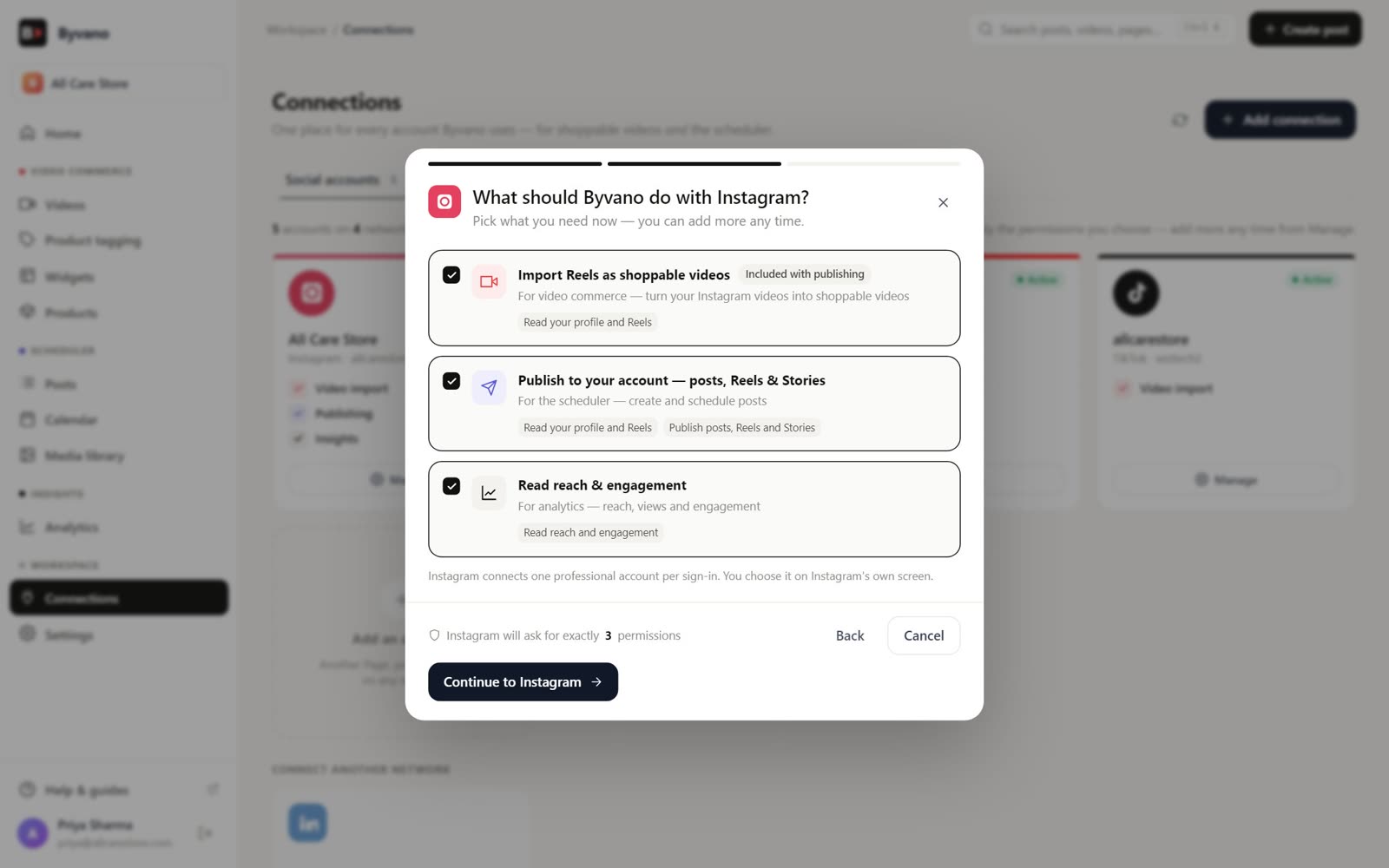
Connect a Business or Creator account and Byvano reads your published Reels. The import connection is read-only — importing never posts anything, and publishing is a separate connection you make deliberately in the social scheduler. Sort by engagement and import what already worked, rather than guessing which clip belongs on a product page.
Connect your channel and import Shorts or standard uploads. Shorts suit carousel and floating widgets because they are already vertical; long-form works better inline on a product or landing page. Views from the embedded player still count toward your YouTube watch time.
TikTok can be connected from your Byvano dashboard where the integration is available in your region. Because platform availability varies, direct upload always works as a fallback and is the safer choice for creative you cannot afford to lose.
Upload files that were never posted socially — creator deliverables, customer submissions, studio footage. This is also the right route for content you have licensed, because it does not depend on the original post staying live.
One rule worth applying from the start: import a clip once, from whichever source you consider canonical. The same video imported from three platforms gives you three sets of attribution data for one piece of creative, which makes the numbers harder to read rather than richer.
Tagging is where a video stops being content and becomes commerce. Byvano reads your product catalogue directly — Shopify products over the Admin API, WooCommerce products over the plugin — so tagging is a search-and-click in a visual editor rather than a data-entry exercise.
The judgement call is restraint. A video carrying eight tags reads as a catalogue and converts like one; a video carrying three reads as a recommendation. Start with the products the video is genuinely about and add cross-sells only where they are honest.
A horizontally scrolling row of vertical videos. The default for product and collection pages because it presents several clips in a fixed vertical footprint, so it adds evidence without pushing your add-to-cart button below the fold.
A tiled gallery. Right for a dedicated video page, a campaign landing page, or the bottom of a long-form product page where the shopper has already committed to reading. Wrong near the top of a page, where it consumes attention the product needs.
Circular thumbnails that open a full-screen tap-through player, borrowing a pattern every mobile shopper already understands. Strong near the top of mobile pages and for new-arrival or campaign content.
A persistent, dismissible bubble that follows the shopper. The highest-attention format and the easiest to misuse — effective for one launch or one campaign, counterproductive as a permanent fixture, because it ends up competing with your own product pages.
All four formats accept your brand colours, corner radius and sizing, and all four are placed through the Shopify theme editor or the WooCommerce shortcode and block. None require theme code, which matters more than it sounds: a theme customisation survives a theme update badly, and a section does not.
Engagement metrics are the comfortable ones. Views and watch time go up, everyone agrees video is working, and nobody can say by how much. Byvano reports those, but the number the product is built around is attributed revenue per video.
The practical value shows up in the surprises. Merchants routinely find the polished launch film losing to a thirty-second clip someone shot on a phone answering a customer question — and once the data says so, the content brief changes. That feedback loop is the difference between having video on your store and running a video programme.
Watch return rate alongside conversion. Video that sets accurate expectations about fit, scale and texture shows up in returns before it shows up anywhere else, and for apparel and footwear that second effect is frequently worth more than the conversion lift.
Every merchant who has installed a storefront app has a story about the one that cost them two seconds of load time. The objection is fair, so it is worth being specific about what Byvano does.
The honest caveat: any widget above the fold that autoplays video will affect Largest Contentful Paint on a slow connection, whoever builds it. If your product page LCP is already marginal, place the widget below the gallery rather than above it, and use the carousel rather than the floating format.
Everything above is about the video once it is on your store. The other half of Byvano is the video before that — the post itself. The scheduler plans, publishes and measures your social content, so the same app that turns a Reel into a product page also puts the Reel out in the first place.
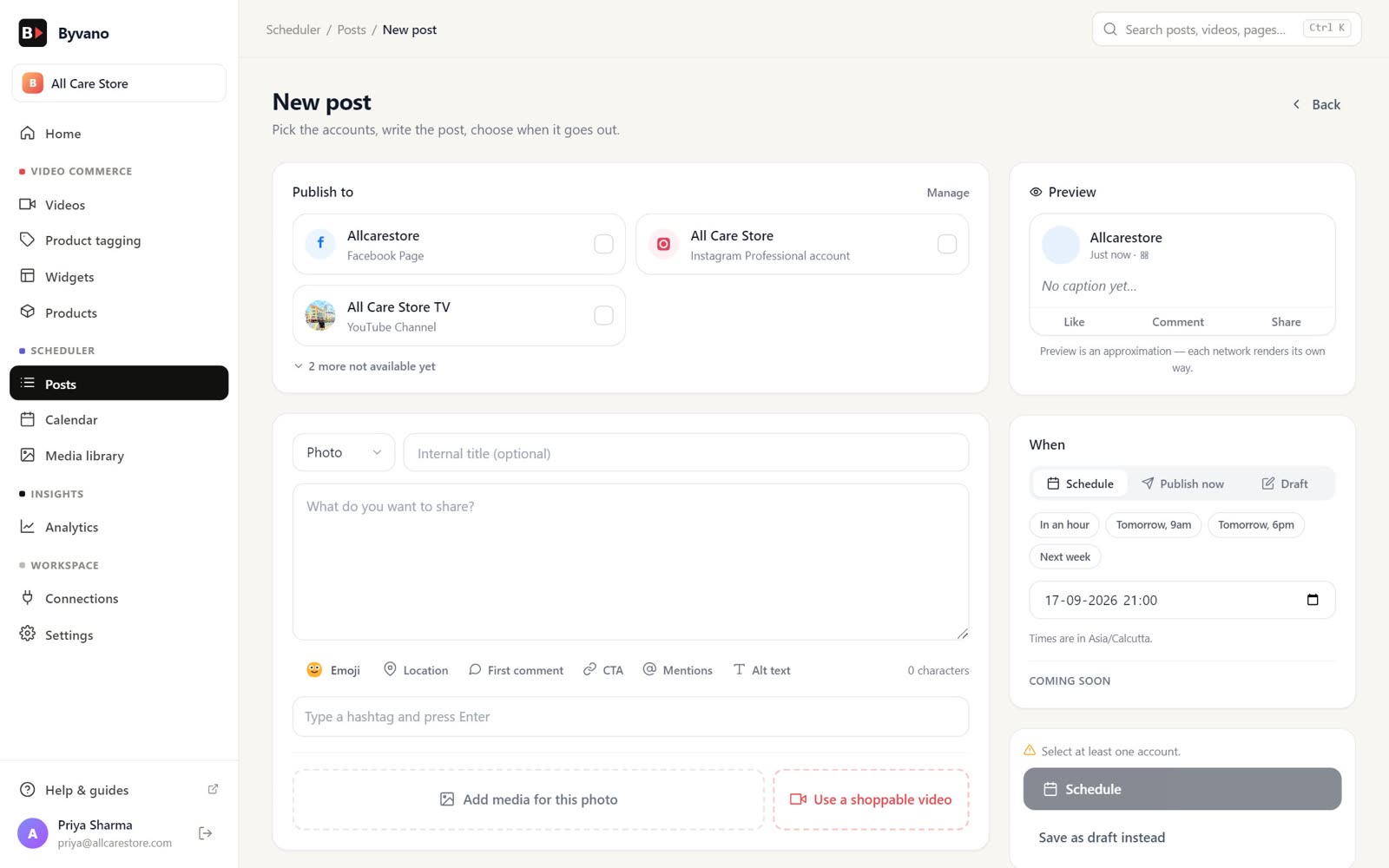
Write the caption, attach media from the library, preview the post as each network will render it, and pick a time. Byvano publishes at that minute in your workspace timezone — a Facebook Page post, an Instagram post, a Reel or a Story. Nothing is posted that you did not compose here, and disconnecting an account stops all future publishing for it immediately.
A grant can cover several Facebook Pages or Instagram professional accounts. Byvano never guesses which one you meant: when a connection returns more destinations than it can safely pick between, it asks, and only the ones you tick become publishable.
Caption drafts, hashtag sets and call-to-action suggestions are available while composing. They are suggestions — every word is editable, and you can ignore the assistant entirely.
Figures come from Facebook and Instagram directly. Byvano reports what the networks return and does not estimate the gaps — where a metric is unavailable the dashboard says so rather than filling it in.
A scoped REST API and webhooks let your own tools, spreadsheets or agents schedule posts, upload media and read results without opening the dashboard. Keys are issued per workspace with the scopes you choose.
Facebook Pages and Instagram professional accounts are live today. LinkedIn, TikTok and YouTube publishing are in progress and are marked as such inside the app rather than sold ahead of time.
No. Byvano reads from your connected Instagram, YouTube or TikTok account and streams video from the source platform. Your storefront serves markup, not media, so adding video does not increase your Shopify asset usage or your WordPress uploads directory. You can also upload files directly if a clip was never posted socially.
As many as the video justifies. Each tag carries its own timing and position, so a styling video can surface a full outfit piece by piece while a single-product demo carries one tag plus a cross-sell. In practice, three to five tags per video is where most merchants land — beyond that the overlay starts competing with the video.
Carousel for product pages and collection pages, because it shows several videos without dominating the layout. Grid for a dedicated gallery or landing page. Stories for a mobile-first, tap-through experience near the top of the page. Floating for a single campaign or launch — it is the highest-attention format and the easiest to overuse.
Views, click-through on product tags, add-to-carts originating from a video, and attributed revenue per video. The last number is the one that matters: it tells you which creative sells rather than which creative gets watched, and those are frequently different videos.
The widget script loads asynchronously and defers video payloads until the widget enters the viewport, so it does not block your Largest Contentful Paint element or contend with theme JavaScript during first render. Because media streams from the source platform, your origin bandwidth is unaffected.
Yes. The built-in social scheduler publishes posts, Reels and Stories to your Facebook Page and Instagram professional account at the time you schedule. You connect the account once, Byvano only ever publishes content you created in Byvano, and disconnecting the account stops all future posting immediately. Importing video for the storefront widget is a separate, read-only connection that never posts.
No. The scheduler is part of the same app and the same plan — there is no second subscription and no separate bill for it.
Yes — colours, corner radius, card sizing, autoplay behaviour and whether product overlays are always visible or appear on hover. On the Free plan a small Byvano credit appears on the storefront; it is removed on Starter and above.
Explore a live demo store powered by Byvano, or create your own account and go live in minutes.