Make a video once. Publish it everywhere.
Import from TikTok, Instagram or YouTube. Schedule across Facebook, Instagram, YouTube and LinkedIn. Add product tags if you sell online.
No card needed · Set up in minutes · Cancel any time
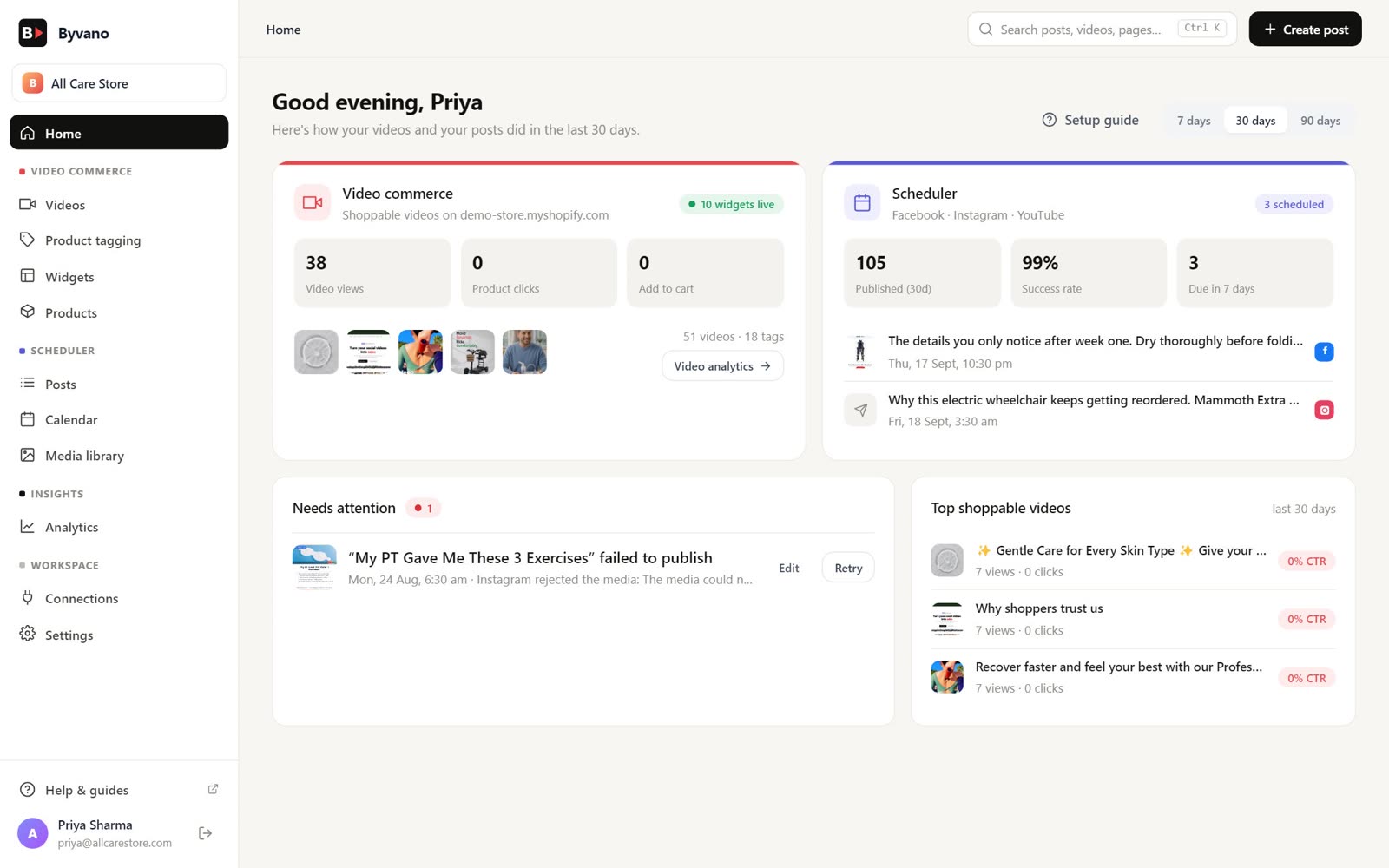
Import from · Publish to
One video, every platform
Byvano is built around the way most short-form creators actually work: make a video once, repurpose it everywhere.
Import
Paste a TikTok, Reel or YouTube Short link, or upload your own clip. Byvano stores it, keeps the thumbnail, and gets it ready for every platform.
Schedule
One calendar for Facebook Pages, Instagram, YouTube and LinkedIn. Set a time, we handle the publishing — bulk CSV import, retries, drafts.
Sell (optional)
If you run a Shopify or WooCommerce store, tag products on any video and embed a shoppable widget on your site. Skip this if you don't sell online.
Plan the week in one sitting
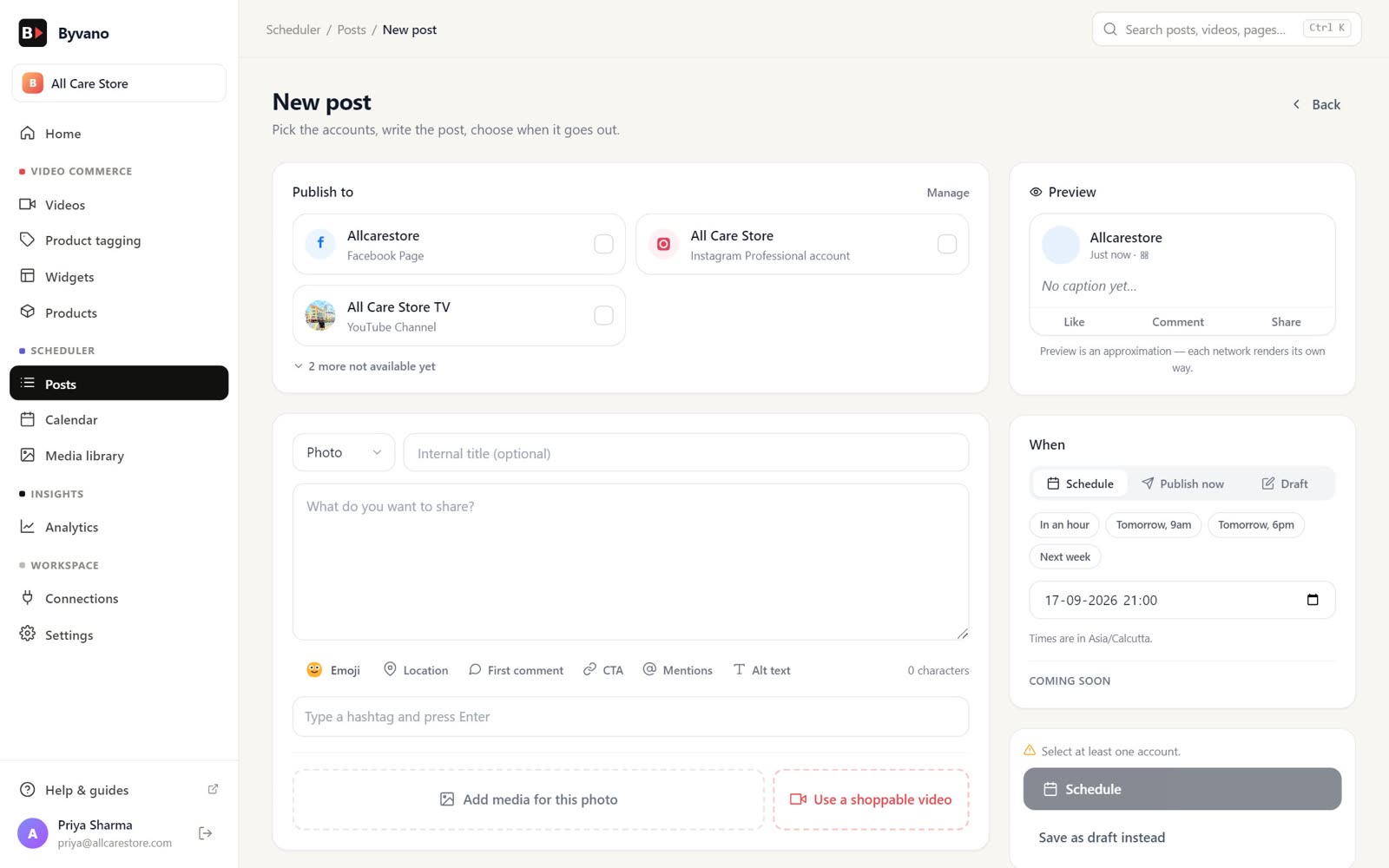
Write once, preview how it looks on each network, and let Byvano publish at the minute you chose — in your workspace timezone. AI drafts captions and hashtags from your content.
Calendar & queue
Drag posts to a new day. Published posts stay put.
AI captions
Captions, hashtags and a call to action, drafted for each network.
Native video
Upload the clip once; we resize for each platform's shape.
API & webhooks
Schedule from your own tools with scoped API keys.
Every short, in one library
Byvano's content library is the home for everything you've ever shot — pulled from TikTok, Instagram or YouTube, or uploaded straight from your phone. One tap turns any clip into a scheduled post for the next week.
- Import from TikTok, Instagram and YouTube (public links or your connected accounts)
- Upload MP4, WebM — Byvano handles the resizing
- Thumbnails, captions and hashtags carry across platforms
- Bulk CSV import for a whole month at once
Make any video shoppable
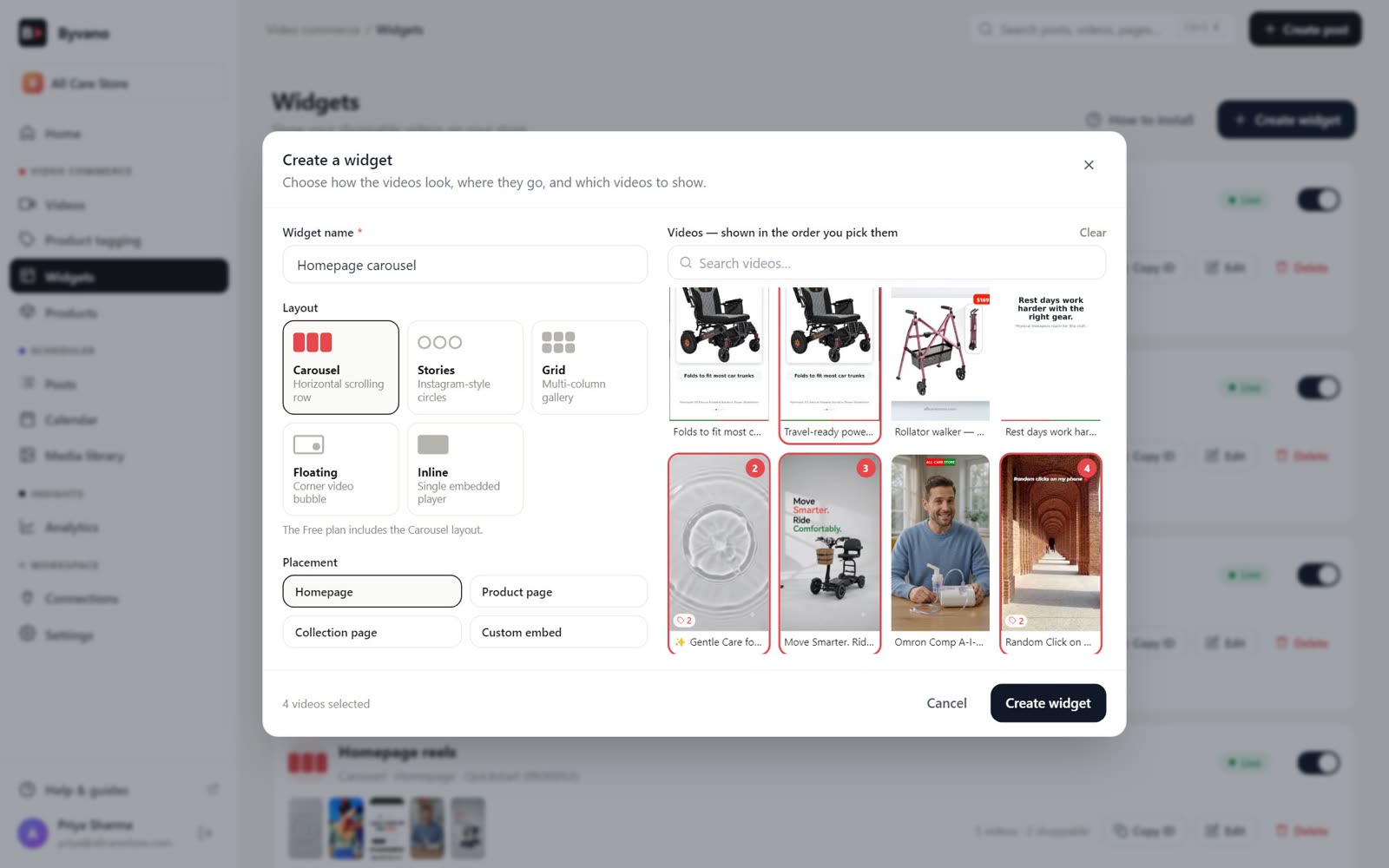
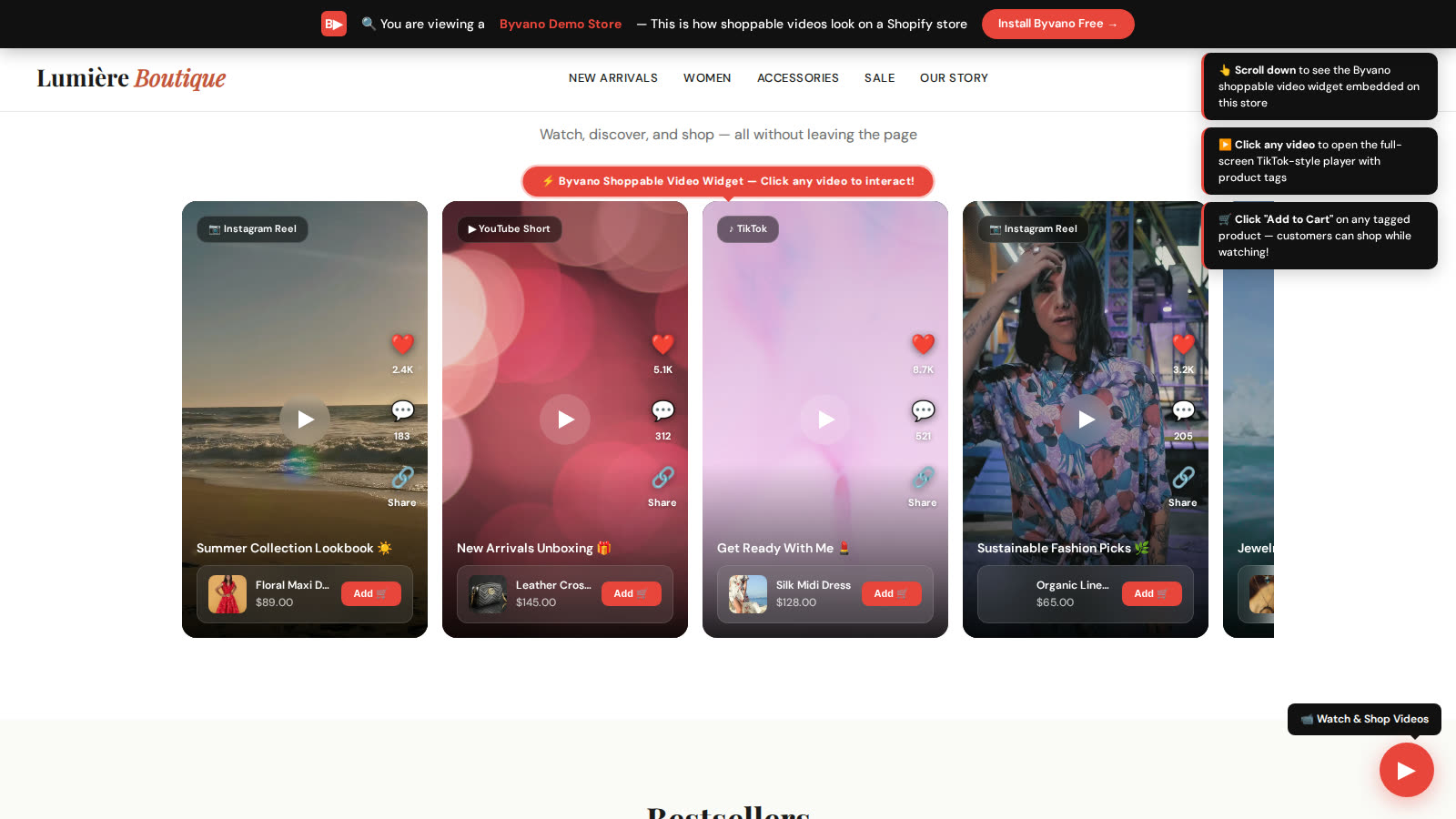
Running a Shopify or WooCommerce store? Add product tags to any video in your library and embed a shoppable widget on your site — carousel, grid, stories, floating or inline. Everything else about your Byvano account stays exactly the same.
- 1
Connect your store
Shopify or WooCommerce — one click. Your product catalogue is searchable immediately.
- 2
Tag products on a video
Drop products onto any clip from your library — Reels, Shorts, uploaded videos, all work.
- 3
Embed a widget
Pick a layout and placement. One theme block, shortcode or embed snippet does the job.
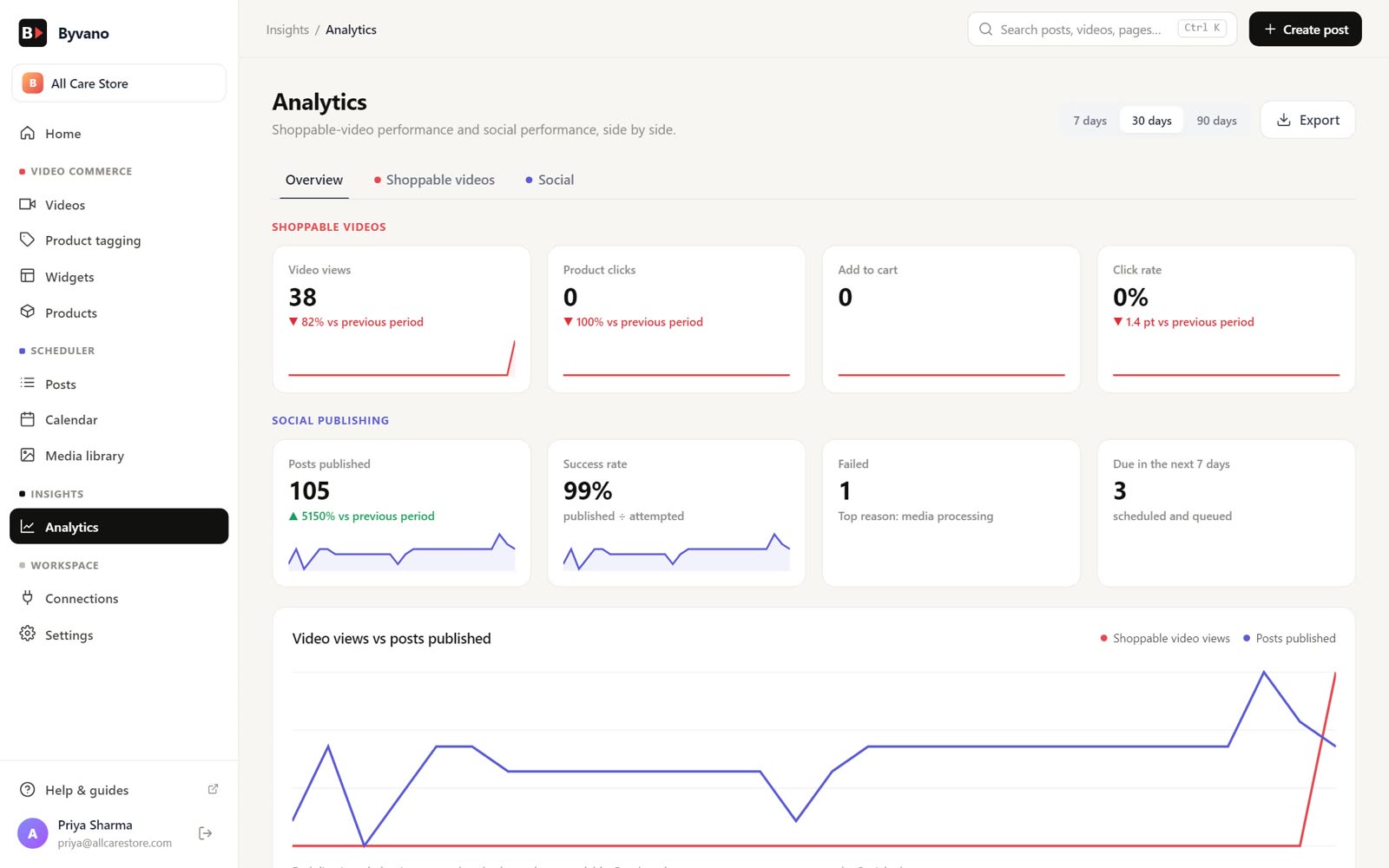
See how every post performed
One Analytics page: reach, engagement and delivery for every scheduled post, plus views and taps for anyone running the optional shoppable widget.
Only the permissions you choose
Every account in one place
Your data stays yours
Honest about where we are
Byvano is growing fast. Here is exactly what is live, in beta or on the way.
Publish to
Import videos from
Stores
Everything free until 31 December 2026
Every account gets the full product — scheduler, imports, every connection and every widget — free until the end of the year. No card, no catch. On 1 January 2027 Byvano moves to a Free plan plus optional add-ons.
Questions, answered
What does Byvano do?+
Does Byvano include a video editor?+
Who is Byvano for?+
Is Byvano really free?+
Which social networks can Byvano publish to?+
Do I need a Shopify or WooCommerce store to use Byvano?+
What permissions does Byvano ask for?+
Will the shoppable video widget slow my store down?+
More answers on the FAQ page.
Start free today
Every Byvano feature is free for your first six months. No card needed.