See Byvano in action
Short videos recorded in the real product, plus live demo stores you can click through. No signup needed.
Start here
A quick tour of Byvano
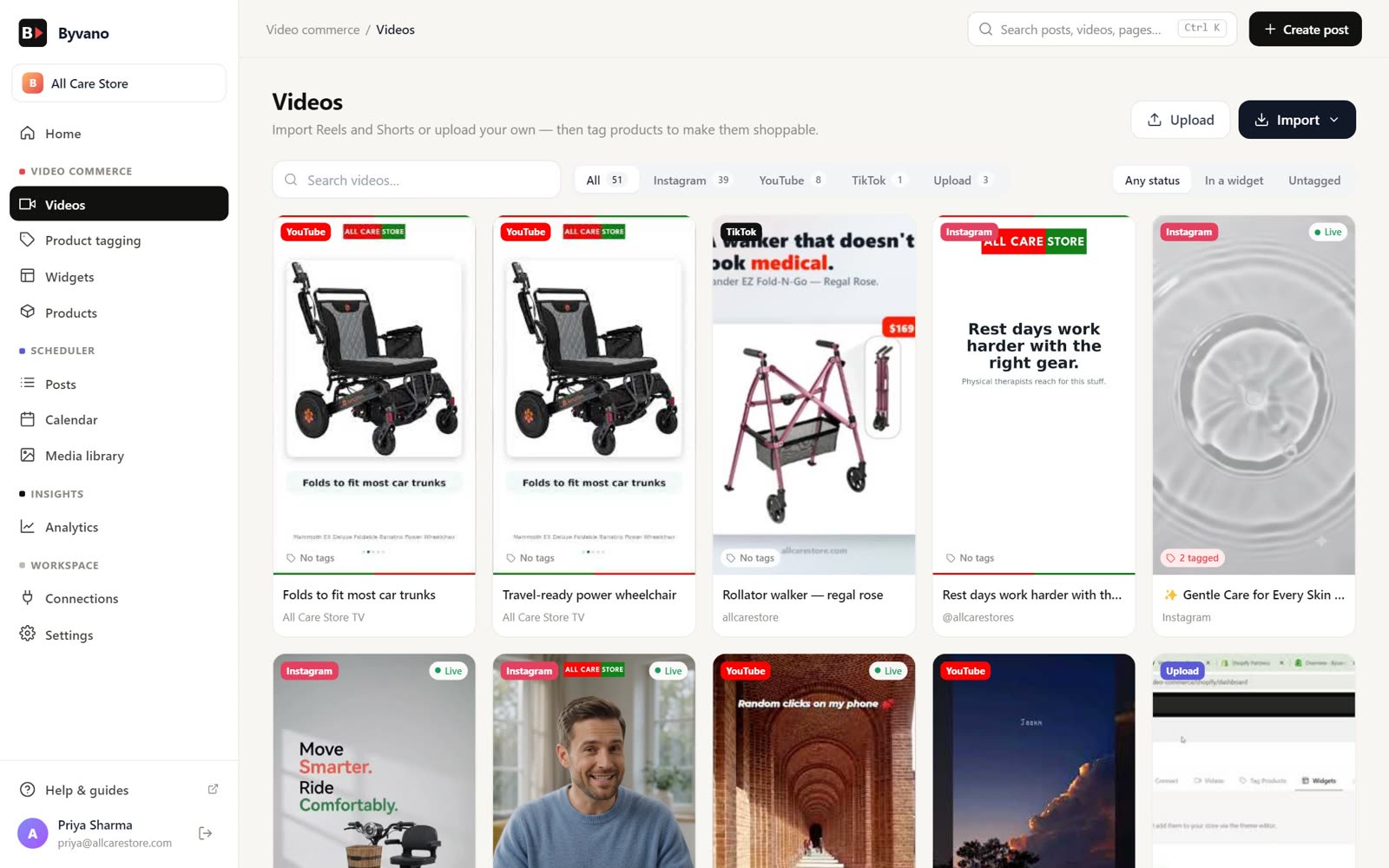
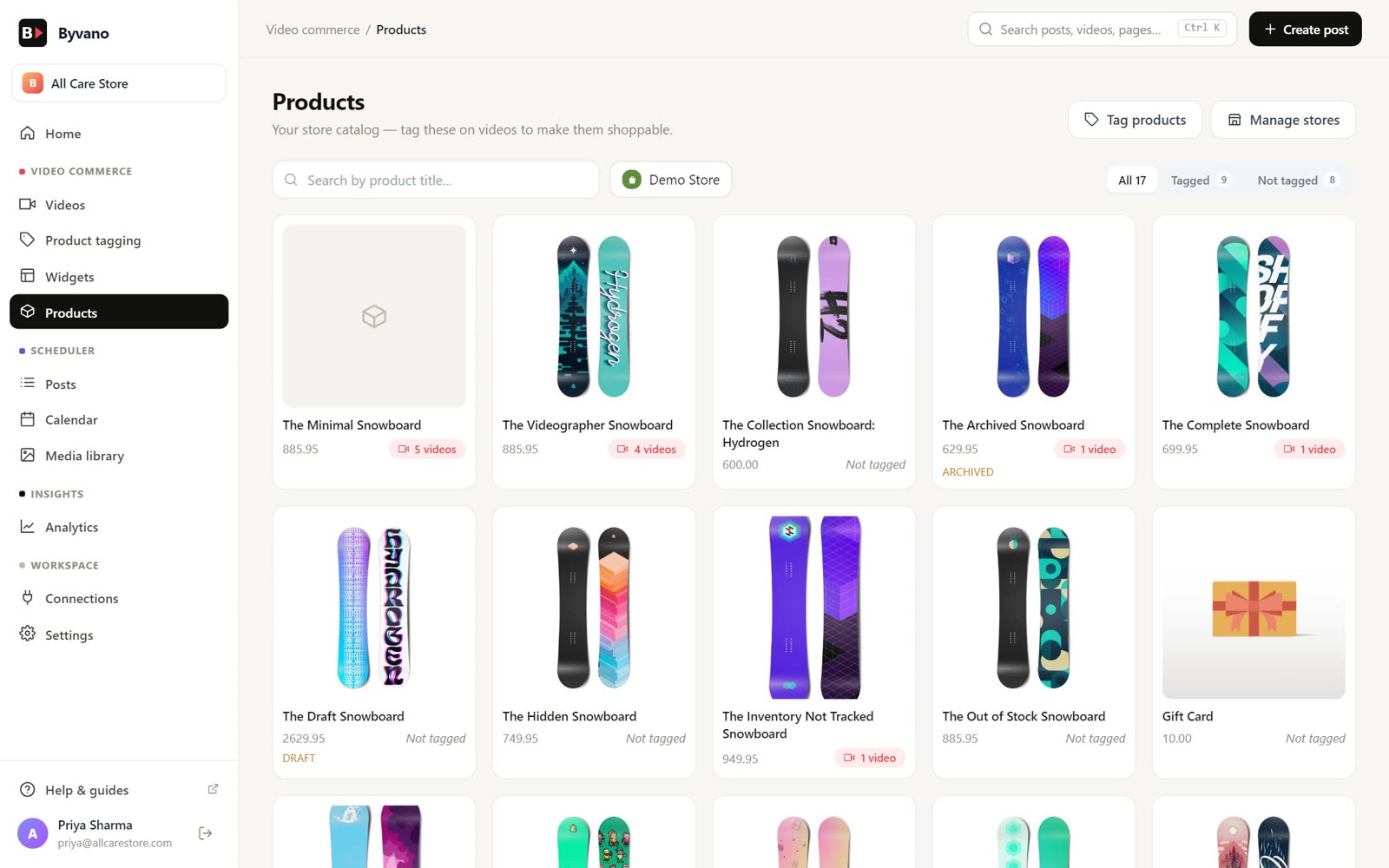
Home, Connections, the video library, product tagging, widgets, the scheduler and Analytics — the whole Byvano dashboard in one walkthrough.
Add Instagram, Facebook Pages and YouTube with only the permissions you choose, and connect a WooCommerce store with the Byvano plugin.
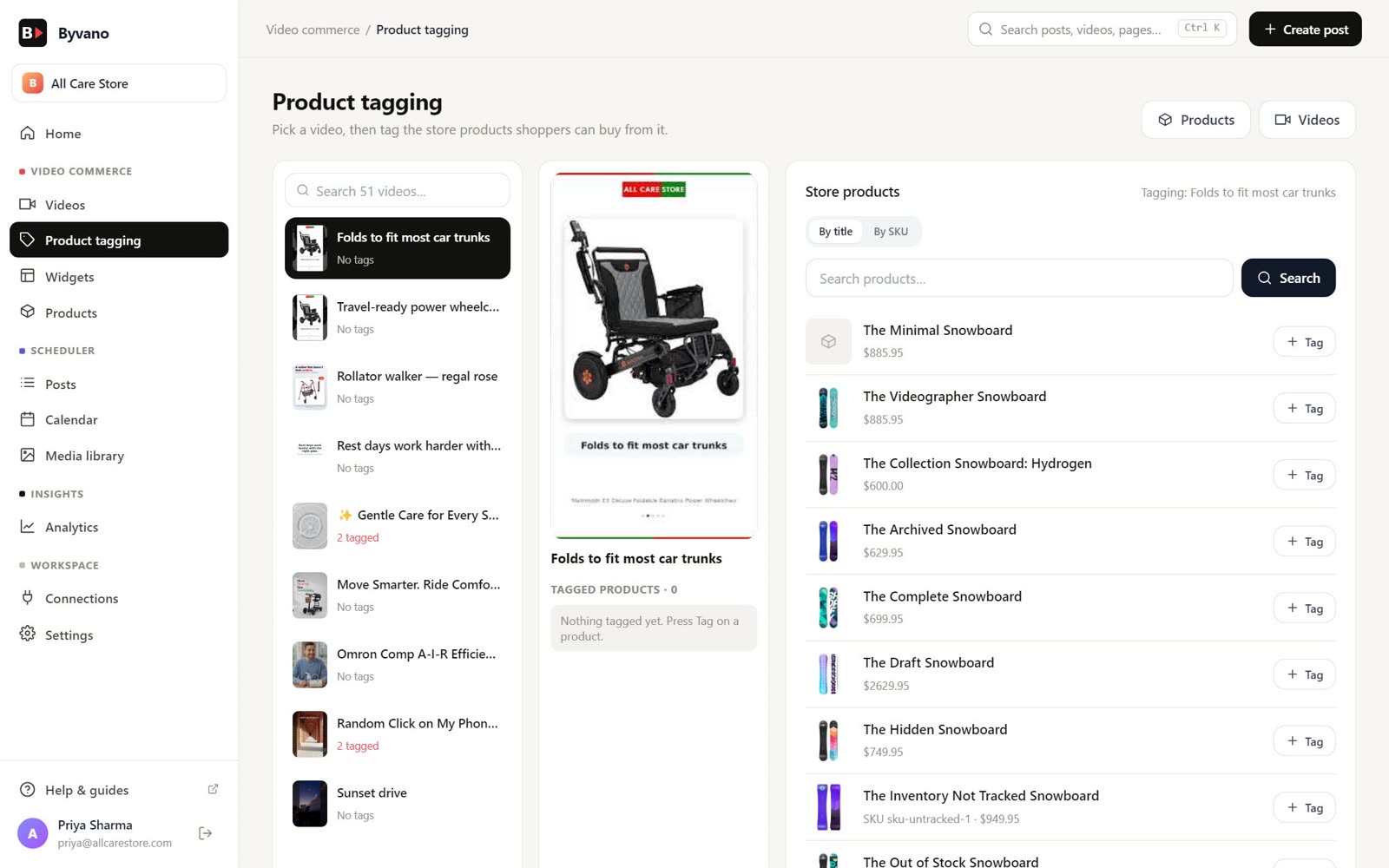
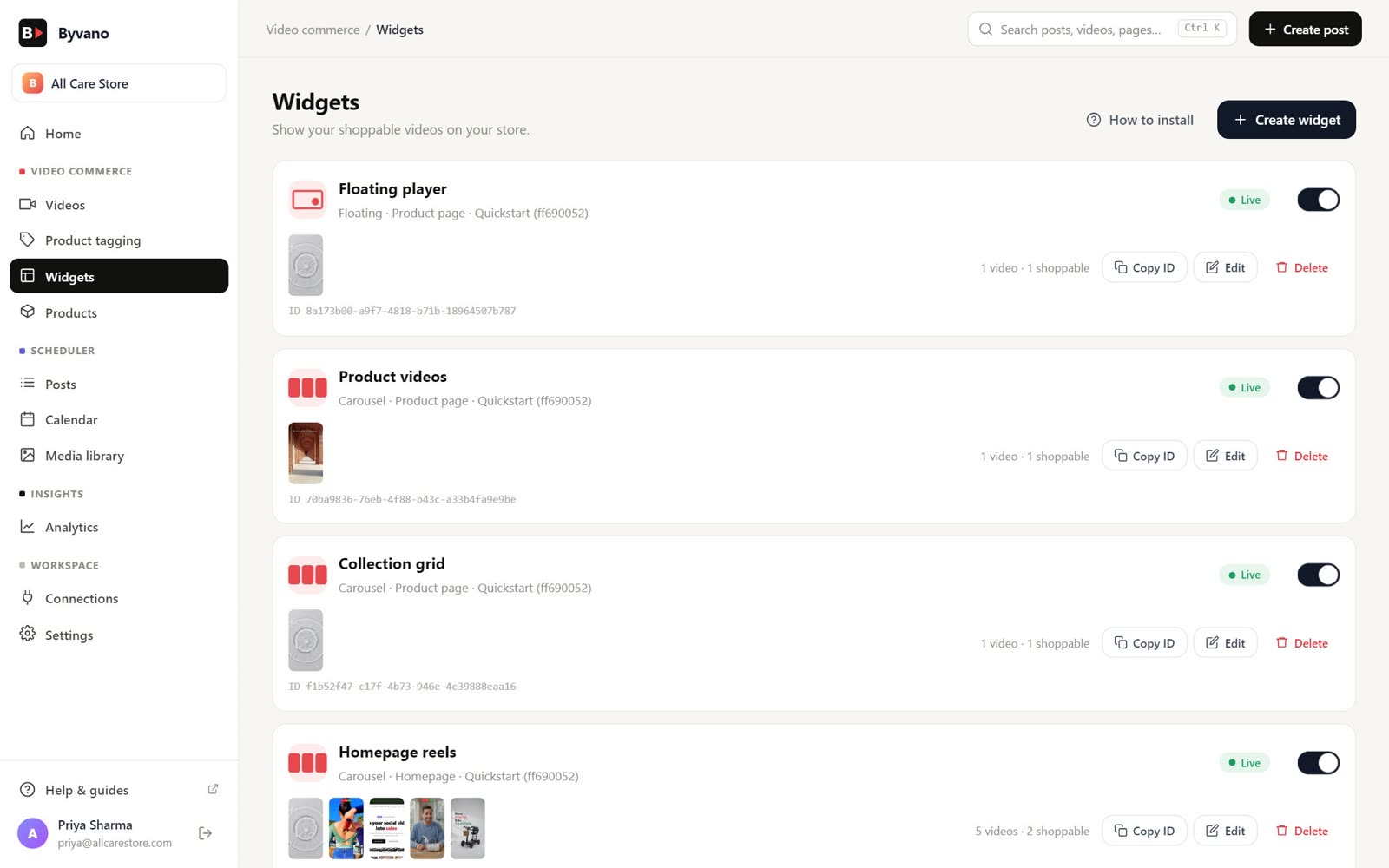
Import a video, tag products from your catalogue, create a widget and see the result on a demo storefront.
Pick accounts, write a caption, attach media, preview and schedule — then follow the post on the calendar and in Analytics.
Click through a real storefront
Open a demo shop, tap a video and see how shoppers move from watching to the product.
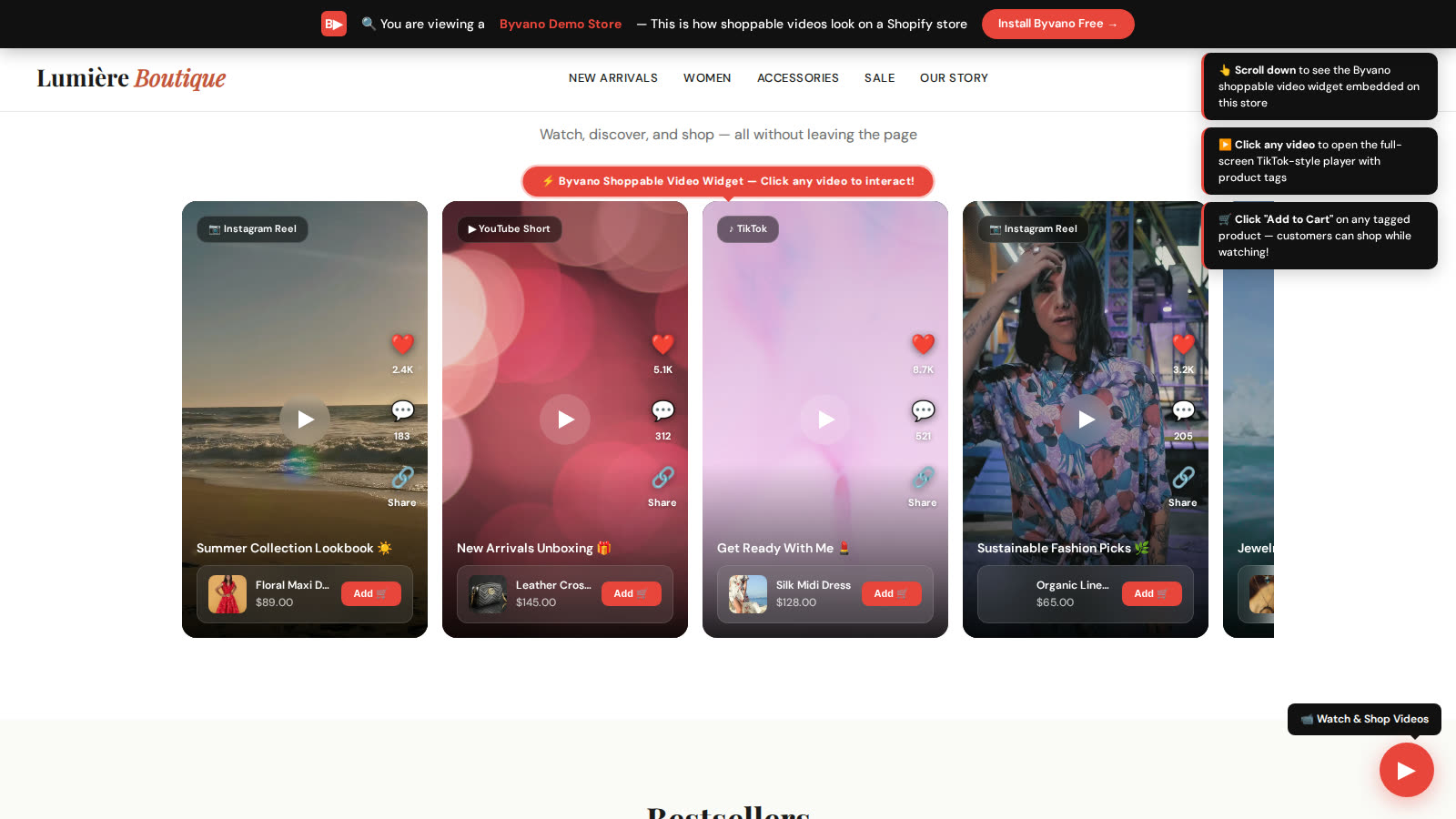
Shopify-style storefront
Fashion store demo
Lumière Boutique — a clothing store with a shoppable carousel, a floating video button and a full-screen player.
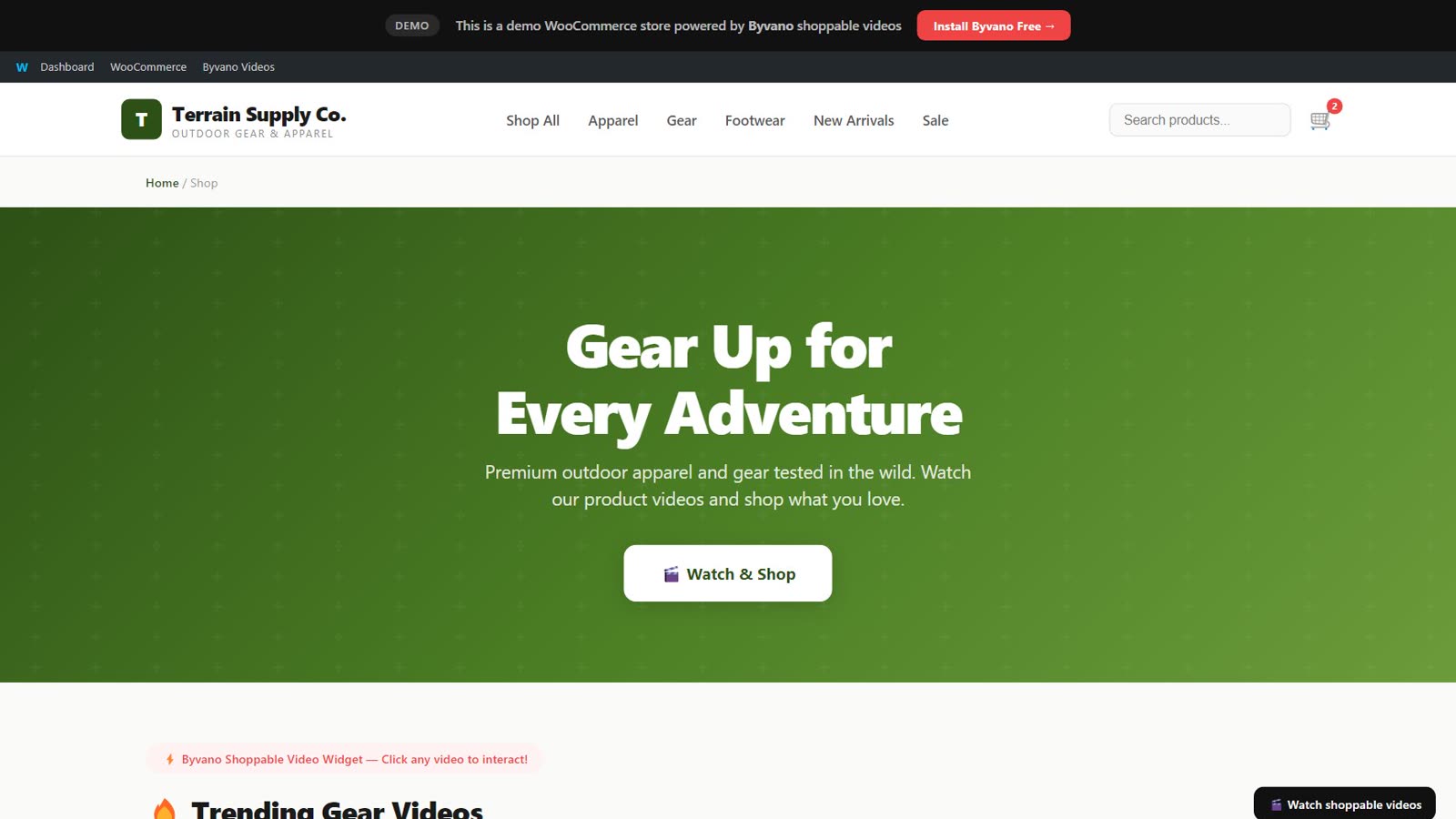
WordPress + WooCommerce
WooCommerce store demo
The same widgets on a WooCommerce shop, placed with the Byvano plugin.
Demo stores use sample products. Nothing is charged and no order is placed.
A closer look at the dashboard
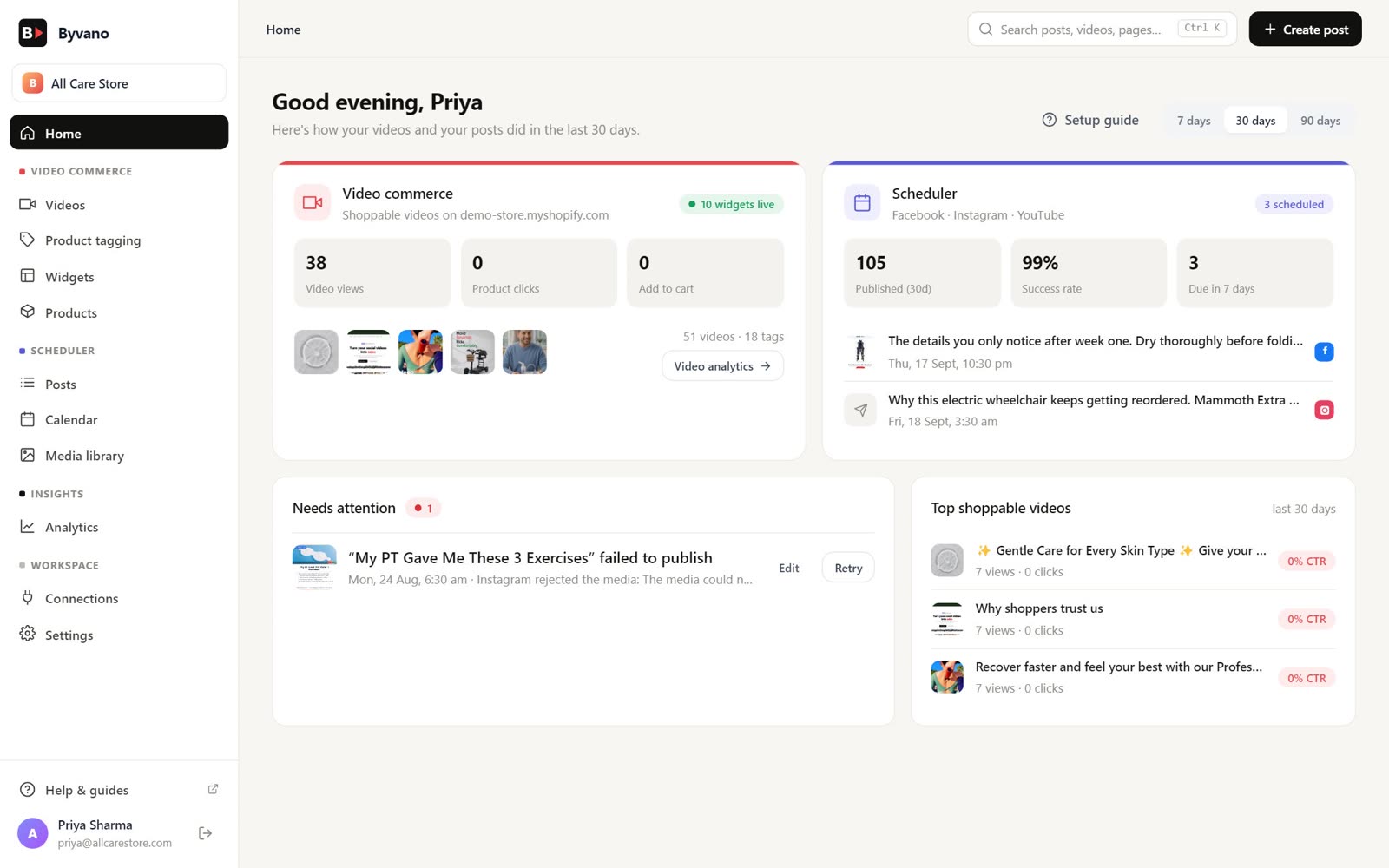
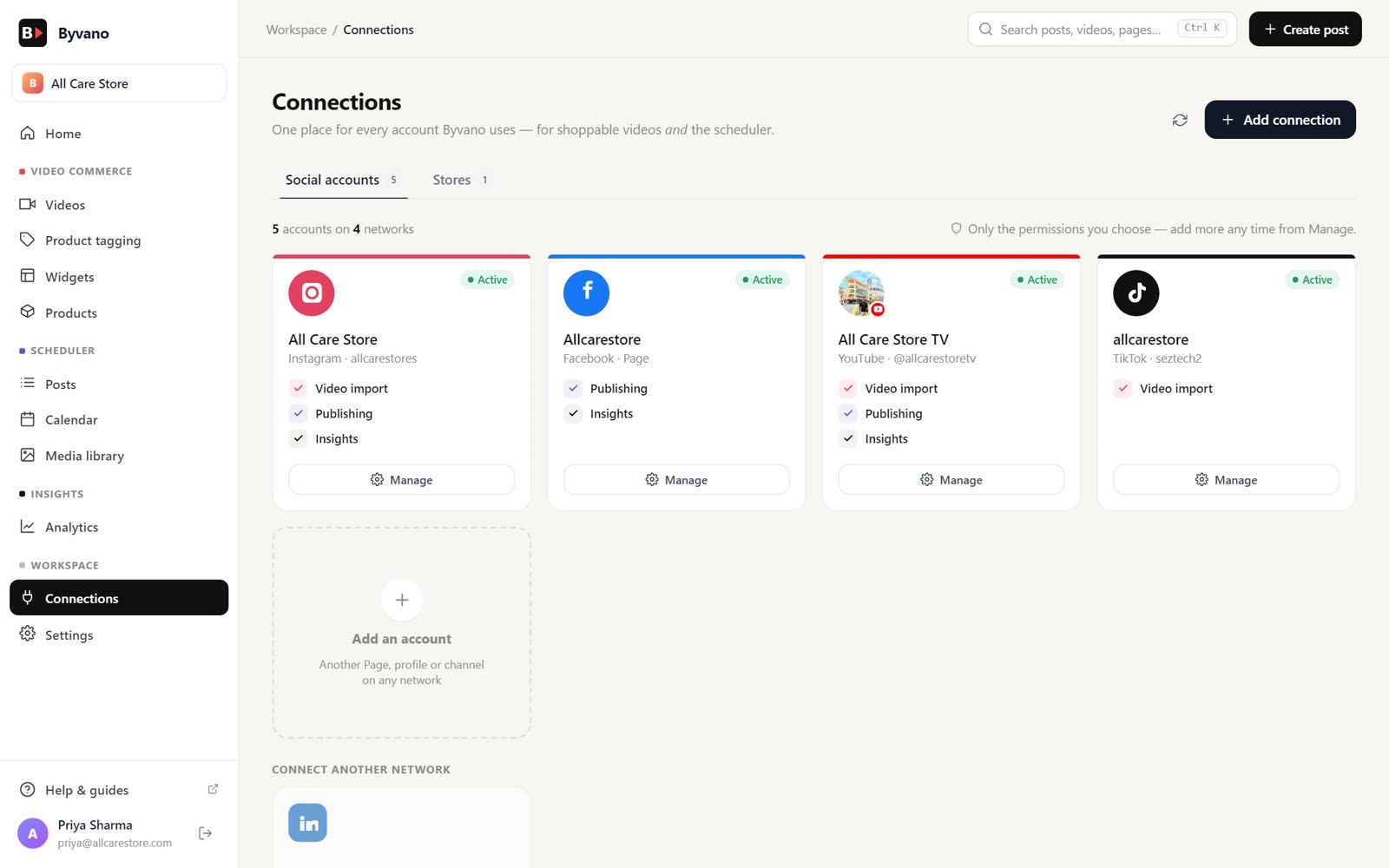
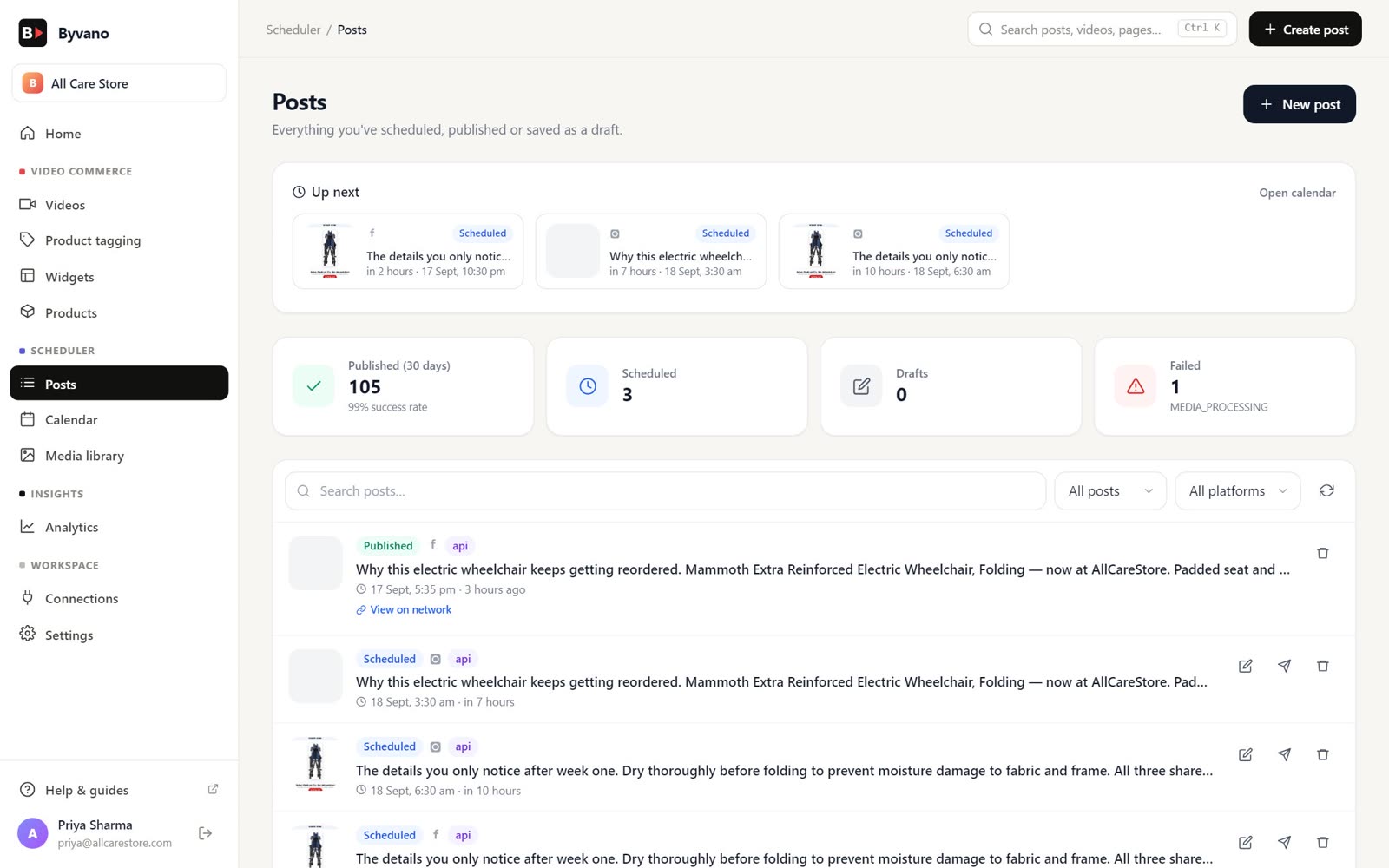
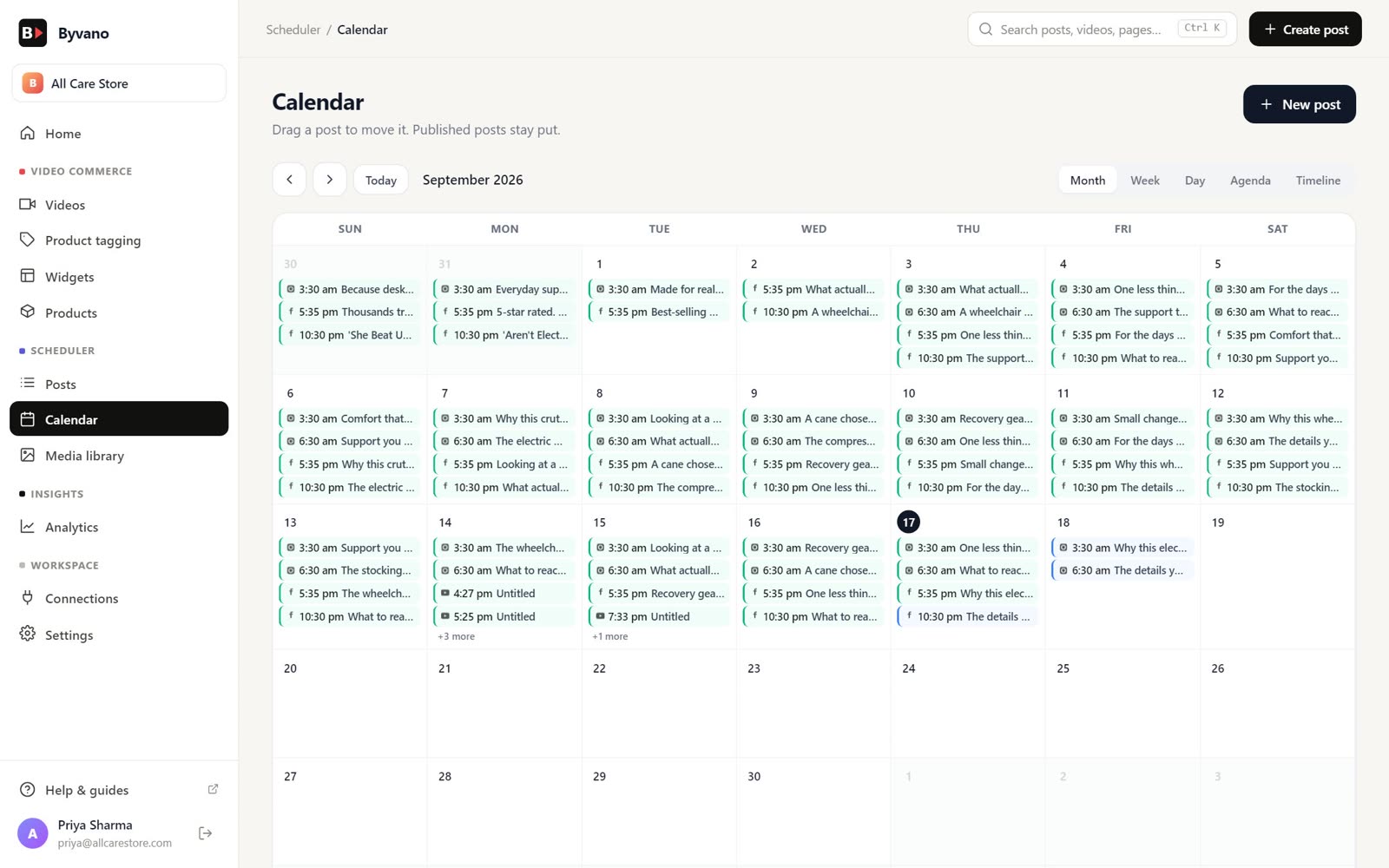
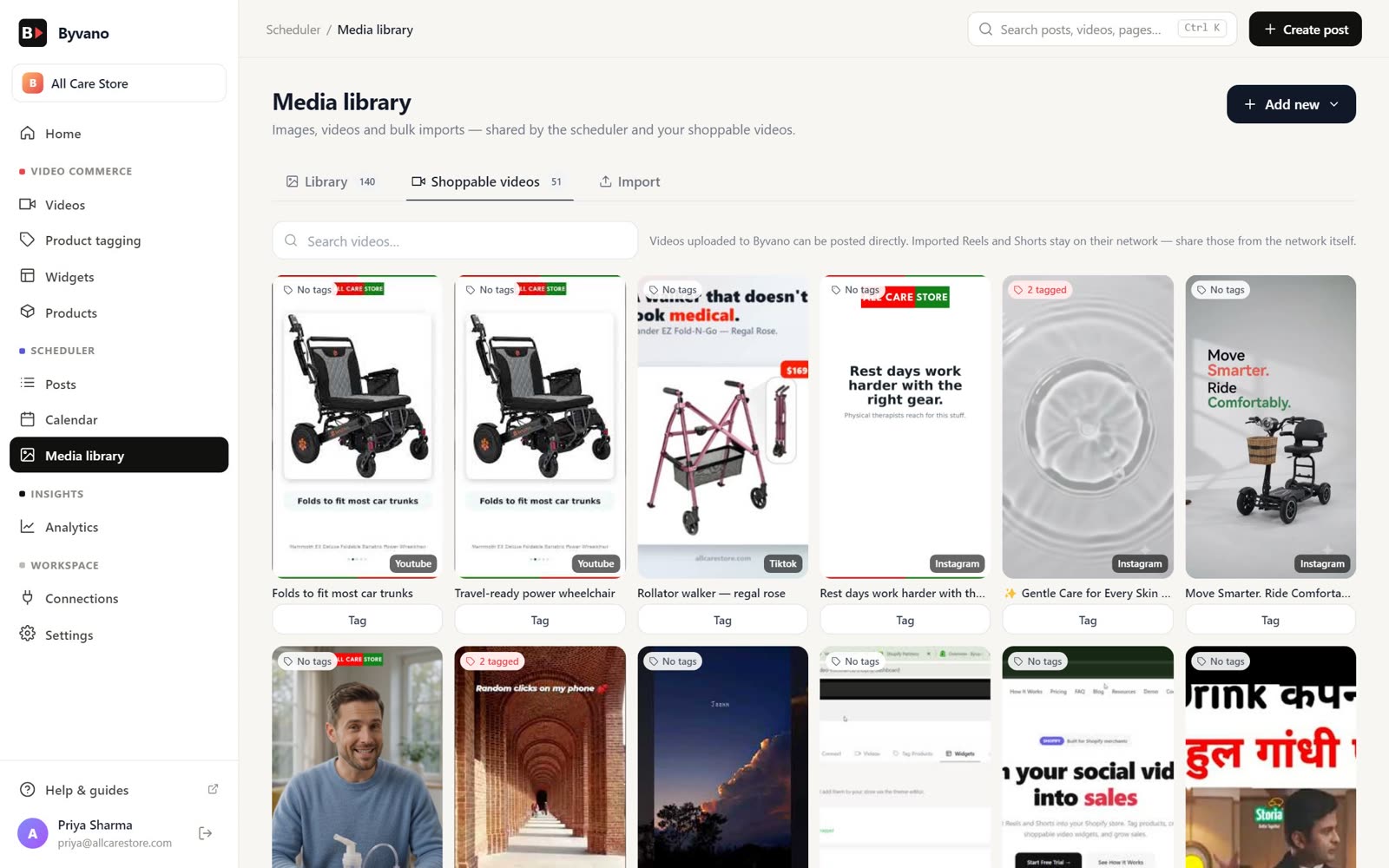
Want the step-by-step? Read how it works.
Start free today
Every Byvano feature is free for your first six months. No card needed.